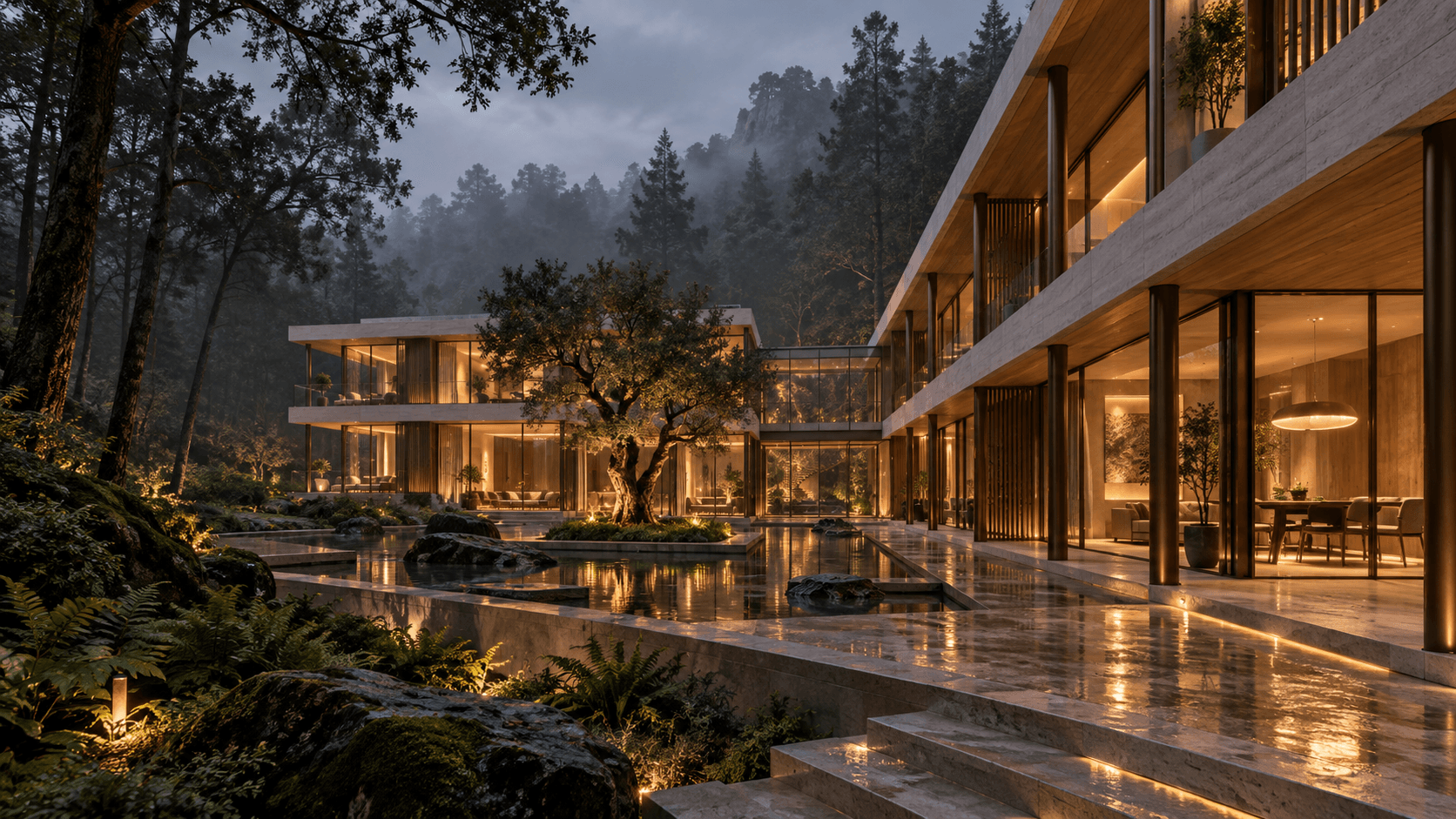
A WORKSPACE FOR SPATIAL IDEASFROM A LITTLE WHAT IF.TO A WORLD.
JOURNEY5 SKETCH-TO-SPACE STAGES
STUDIOMODEL · MATERIAL · LIGHT CONTROLS
STUDIES3 SPATIAL FIELD NOTES
BOUNDARYNO ACCOUNT · UPLOAD · PAYMENT
01 / THE SITUATION
WHAT NEEDED TO CHANGE
A fictional design product still has to feel coherent, useful and honest. The challenge was to make an unfamiliar spatial workflow understandable without turning the website into a feature checklist—or suggesting that speculative AI, collaboration and commercial capabilities already existed.
02 / THE RESPONSE
THE DECISIONS WE MADE
I built the experience around one courtyard idea moving through five states: draw, build, unfold, illuminate and present. The public narrative explains the product through use, while a working studio lets visitors orbit a model, change floors and materials, adjust daylight, explode the structure and export a concept sheet.
03 / THE RESTRAINT
WHAT WE CHOSE NOT TO DO
The product is consistently labelled as an independent concept. Generated imagery is identified, pricing is illustrative, future features are marked as such, and the studio explicitly states that it requires no account, upload or payment. The demo proves interaction without pretending to be a production CAD or AI service.
DELIVERY, NOT JUST OUTPUT
WHAT EACH STAGE HAD TO RESOLVE.
The work is shown as a sequence of decisions and deliverables, including the constraints that shaped the finished experience.
01
PRODUCT POSITION + BOUNDARIES
The work began by defining the problem Folio could credibly demonstrate: helping spatial ideas become easier to explore and communicate. Concept capabilities, future possibilities and illustrative pricing were separated before interface design began.
Product proposition
Audience questions
Capability boundaries
Disclosure language
02
JOURNEY + CONTENT MODEL
One courtyard idea was carried through five stages so the unfamiliar workflow could be understood through use. Field notes, plans and the FAQ then widened the story without interrupting that central thread.
Five-stage narrative
Content hierarchy
Field-note format
Plan + FAQ structure
03
INTERACTION + DEMO SYSTEM
The explorer was designed as evidence rather than decoration. Floors, materials, daylight, orbit and exploded view each reveal a different spatial decision, while reset and export make the demonstration feel complete.
Explorer controls
Model state system
Daylight + material states
Concept-sheet export
04
BUILD + RESPONSIVE QA
The product story and working demo were developed as one responsive experience. Keyboard behaviour, reduced-motion preferences, local-only interaction and readable fallback states were considered alongside visual polish.
Responsive front-end
Interaction QA
Accessibility pass
Data-boundary messaging
EXPERIENCE ARCHITECTURE
FROM FIRST IMPRESSION TO INFORMED CONSIDERATION.
01
ONE IDEA AS THE THROUGH-LINE
A courtyard pavilion becomes the thread through the entire product story. Visitors see the same idea move from a first question to something dimensional, atmospheric and ready to share.
02
FIVE MODES OF THINKING
Draw, build, unfold, illuminate and present are not decorative tabs. Each stage reframes the model, introduces a new question and connects the narrative directly to an action in the studio.
03
A WORKING EXPLORER
The studio provides immediate control over floors, material palette and daylight, plus orbit, exploded view, reset and export states. It behaves like a focused product demonstration rather than a static mockup.
04
IDEAS BEYOND ONE TYPOLOGY
Three field notes—a courtyard house, a garden in the sky and a circular reading room—show how the same visual system can hold residential, collective and cultural ideas.
05
COMMERCIAL LOGIC, CLEARLY LABELLED
Monthly and yearly plan states demonstrate product packaging while explicitly separating demo features from future concepts. Nothing asks for payment or creates a subscription.
06
CLARITY BEFORE CONVERSION
The FAQ explains what Folio is, what can be tried, what it does not replace and how the local demo handles data before asking visitors to explore further.
SCREEN-BY-SCREEN EXPERIENCE
THE WEBSITE, NOT JUST THE MOODBOARD.
Key interface moments from the live build, presented in sequence to show how the visual system changes across content, interaction and intent.
folio-neon-delta.vercel.app
FOLIO
FOLIO / A WORKSPACE FOR SPATIAL IDEAS
FROM A LITTLE WHAT IF. TO A WORLD.
Sketch. Shape. Explore.
01 / 06
01PRODUCT ARRIVAL
folio-neon-delta.vercel.app
FOLIO
02 / 06
02DRAW CHAPTER
folio-neon-delta.vercel.app
FOLIO
03 / 06
03BUILD CHAPTER
folio-neon-delta.vercel.app
FOLIO
04 / 06
04INTERACTIVE STUDIO
folio-neon-delta.vercel.app
FOLIO
FOLIO FIELD NOTES — STUDY 001
THE COURTYARD HOUSE
A little more outside, inside.
05 / 06
05FIELD-NOTE STUDY
folio-neon-delta.vercel.app
FOLIO
PLANS / 003
MAKE ROOM FOR YOUR NEXT BIG THING.
Curious · Maker · Together
FOR THE FIRST WHAT IFCURIOUS$0FOR IDEAS WITH MOMENTUMMAKER$30FOR MINDS THAT MEETTOGETHER$70
06 / 06
06ILLUSTRATIVE PLAN STATES
▰ FOLIO®
A WORKSPACE FOR SPATIAL IDEASFROM A LITTLE WHAT IF.TO A WORLD.
PROJECT SCOPE
01 / PRODUCT POSITIONING
02 / BRAND + EDITORIAL DIRECTION
03 / UX / INTERACTION DESIGN
04 / 3D DEMO EXPERIENCE
05 / FRONT-END DEVELOPMENT
RISKS + RESPONSES01
A CONCEPT CAN LOOK LIKE A SHIPPING PRODUCT
A polished launch experience could imply that Folio is commercially available. Independent-concept labels, illustrative plan language and clear FAQ answers keep the demonstration honest.
02
A DEMO CAN OVERSTATE CAPABILITY
Interactive 3D and generated imagery can suggest a production CAD or AI workflow. The experience distinguishes working local controls from future ideas and states what the tool does not replace.
03
3D CAN EXCLUDE OR SLOW VISITORS
Model interaction creates performance, motion and input risks across devices. Focused controls, reduced-motion consideration and a narrative that remains understandable without constant manipulation reduce that dependency.
04
PRICING CREATES COMMERCIAL EXPECTATIONS
Even fictional plan cards can be read as an offer. Pricing and subscriptions are labelled illustrative, and the demo requires no account, upload or payment.
LESSONS + NEXT STEPS01
ONE IDEA CAN TEACH A NEW WORKFLOW
Following the same courtyard from sketch to presentation made an unfamiliar product easier to understand than a broad catalogue of disconnected features.
02
INTERACTION EARNS TRUST WHEN ITS LIMIT IS VISIBLE
The working explorer adds credibility because visitors can test it immediately, but its value depends on equally clear language about what is conceptual, local and not yet a service.
03
THE NEXT VERSION NEEDS REAL USER EVIDENCE
A commissioned product would require observation with architects and interior designers, device-performance testing and technical validation before expanding collaboration, generation or commercial features.
The result is a responsive brand and product demonstration that joins emotional storytelling with working interface behaviour: a five-stage concept journey, hands-on studio, three field-note studies, flexible plan states and a transparent FAQ in one complete launch experience.